
5 Ways to Use a Real-Time AI Canvas
Today, with advanced technologies and AI tools, it has become easier to create visual content in just seconds. Instead of writing long texts and waiting a decade to get a result, you can easily get your creative work done with real-time AI canvas platforms.
Marketers, artists, game developers, and others can experiment with AI tools by coming up with an idea, making changes in a composition, finding exact styles of the brand, and immediately turning ideas into real-time projects.
We have rounded up 5 easy ways of using real-time AI canvas and platforms, exploring 5 platforms with their key features, functions, and options.
AI Canvas: Everything You Need to Know
AI canvas is a digital workplace where you can generate visual content, edit details, build designs, add styles, and create visual concepts.
For example, if you are working in an advertising agency where the company has a specific product in mind for the campaign, you can easily sketch the layout, give prompts, or simply upload the reference image or video. Then, the rough sketch can be transformed into a polished version with visual elements, colors, background, composition, and other effects. So, the product is ready; turn it into a banner, presentation, or social media post. It is already up to you and your company!
Compared to traditional AI generators and tools, AI canvas platforms can easily:
- Sketch
- Edit
- Modify
- Generate all in one workplace
Here is a quick overview of the platforms offering AI canvas options and features:
|
Platform |
AI Canvas features |
Ease of use |
Suitable for |
|
Krea.ai |
Color shades, lighting effects, background remover, styling variations, shapes, face swaps, alterations, and improvements |
Simple guidance and easy to learn and use for everyone |
Marketers, graphic and interior designers, gamers, architects, artists, media creators |
|
Leonardo.ai |
Audio, 3D illustrations, editing tools for canvas, colors, textures, and compositions |
Easy to use for beginners and specialists |
Designers, developers, photographers, animators, product makers |
|
Scenario |
AI-powered images, videos, 3D illustrations, and audio tools |
Beginner-friendly |
Game developers, fashion and beauty specialists, illustrators, artists, filmmakers, architects |
|
OpenArt |
AI video and image generation, background removal, editing |
Easy to use for beginners |
Artists, marketers, sellers, social media creators |
|
Getimg.ai |
Image and video generation, sound effects integration, background removal, color changes |
User-friendly |
E-commerce, architects, interior designers, social media creators, photographers |
Top AI Canvas Platforms
#1 Krea.ai
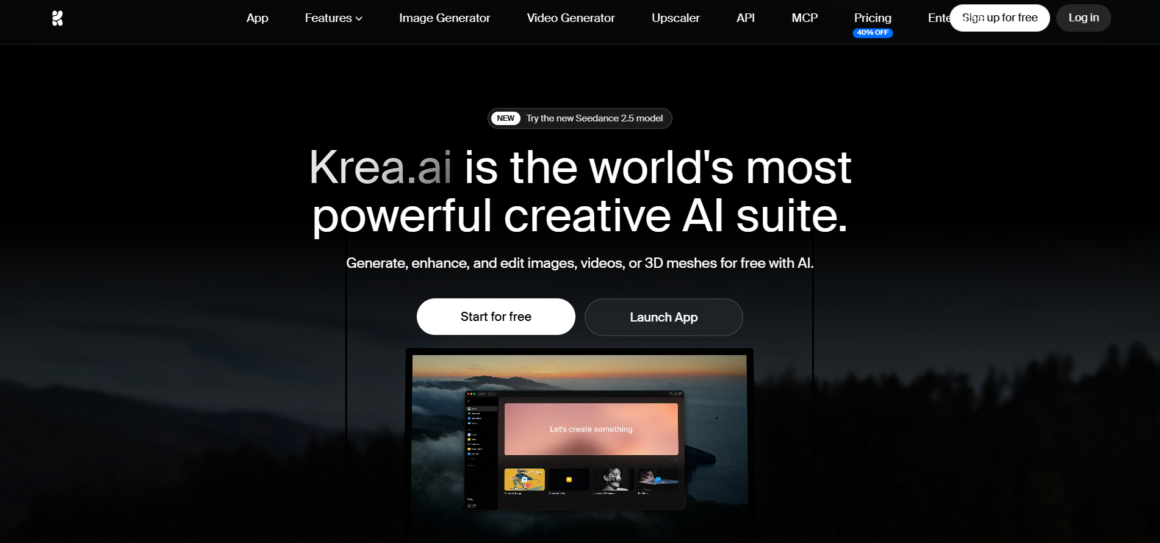
Krea.ai is an all-in-one digital platform with a creative AI suite for generating and editing visual media.
Krea AI Canvas Highlights
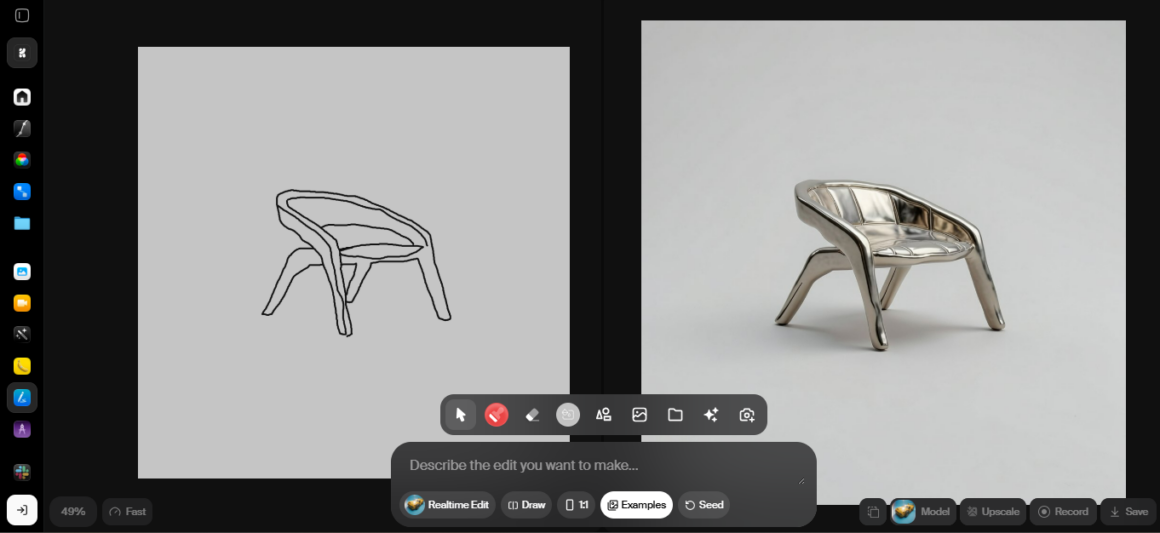
Main step: You can easily turn your sketches or drawings into a realistic product. Write the prompt or a simple description, and wait a second to get the result.
Color palettes and lighting: You don’t like the colors? No problem, just change the color shades, add lighting or a specific mood to the image.
Styling ways: After generating the content, you can quickly turn 2D illustrations into 3D renders and apply artistic or realistic styles to the visual content
Expanding: Change the size of the images however you want.
Facial replacement: Swiping or replacing characters’ faces is also an option.
AI Background removal: If you already have a product but don’t like some parts of the background, you can easily change or cut off certain objects in the background.
Feedback option: Based on the review you give to the system, you can improve some details and use other tools that seem more suitable for your generated images or videos
Advanced AI tools and models: Krea 2, Nano Banana, Kling, Realtime, Seedance, Hailuo, and more
Best for: Interior and graphic designers, artists, architects, e-commerce sellers, marketers, gamers, and other users
Pros
- Useful tutorials, interactive articles, and short blogs step by step explaining how to generate images or videos and add variations
- Speed and efficient results with natural-looking and creative products
- Customer support and reviews on the creative and powerful suite of tools, simple user interface, and clear instructions
Your artwork is ready with all the AI-powered customization options available in Krea, where speed and quality are the keywords.
#2 Leonardo.ai
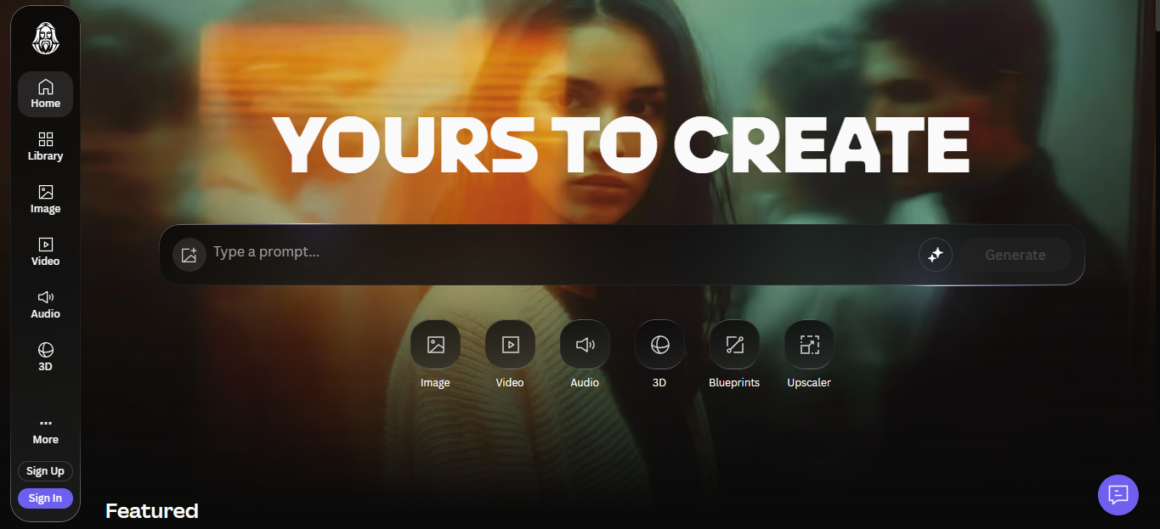
Leonardo.ai is an online platform for generating real-time images and videos from prompts.
AI Canvas Highlights
Primary features: You can generate text-to-image and image-to-image visual content, turning them into real-time artworks
Editing options: If you need other elements, you can add audio, 3D illustration, and other adjustments
Style: Layouts, compositions, color brushes, angles, and other elements are available on the platform
Dynamic regulation: If you want to add movement, remove the background, select sizes, or change edges, you can apply them to the AI images and videos
AI tools and models: Lucid Origin, Veo 3, Phoenix
Suitable for: Marketers, designers, developers, fashion businesses, photographers, animators, and others creating social media content
Pros
- Guidance and assistance when generating visual representations
- Tools and editing elements for creating canvases for different businesses
Leonardo.ai can offer generative AI tools for turning sketches and artworks into real products and projects.
#3 Scenario
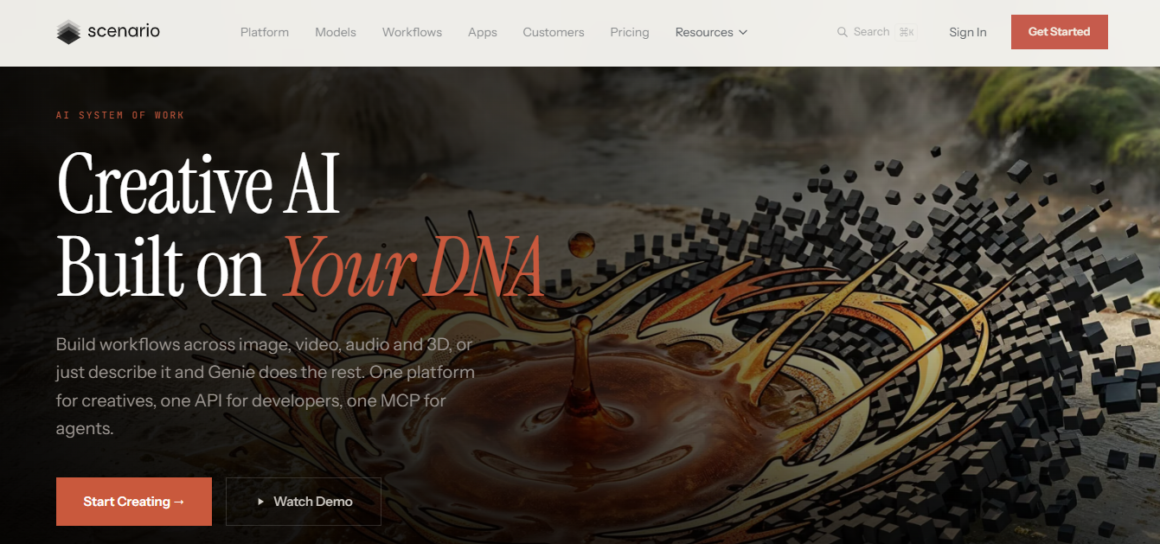
Scenario offers a visual workplace, AI-generated images and videos, 3D and audio effects to game developers and marketers.
AI Canvas Highlights
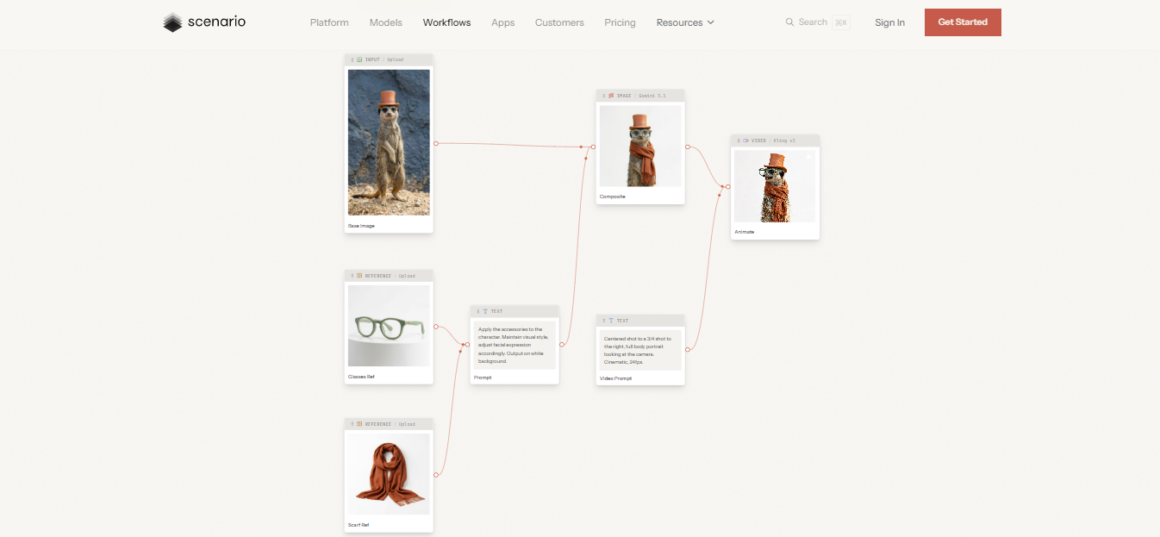
Main features: If your company needs a real-time canvas for its projects, then you can sketch or upload content for AI rendering
Editing options: Custom models with editing tools, enhancements, and other variations, including upscaling, expanding, and vectorizing assets
Stylistic features: You can create product lifestyle shots, characters, 3D models, changing costumes, facial expressions, and adding other stylistic details, colors, and compositions
AI tools: GPT Image, Gemini Omini, Grok Image Video, Triposplat, and other models
Suitable for: Photographers, gamers, artists, fashion designers and managers, and more
AI Canvas Highlights
- Articles and guidelines on creating and generating visual media
- Different editing capabilities and generation tools
If you aim to create characters, shots, models, or products, you can try the platform for your ideas.
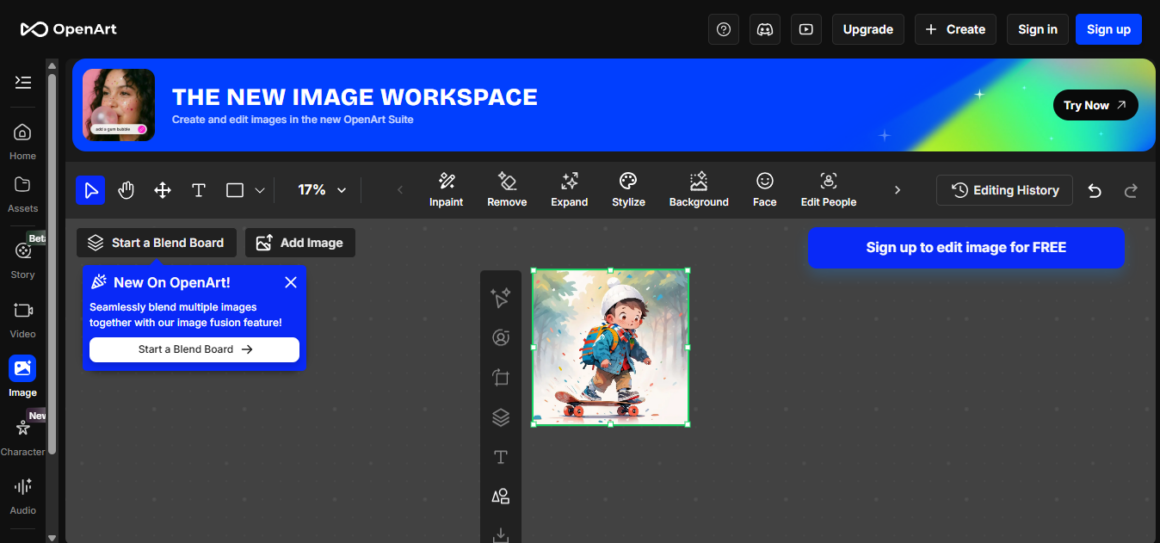
#4 OpenArt
OpenArt is a digital platform for AI workflows for generating and editing images and videos.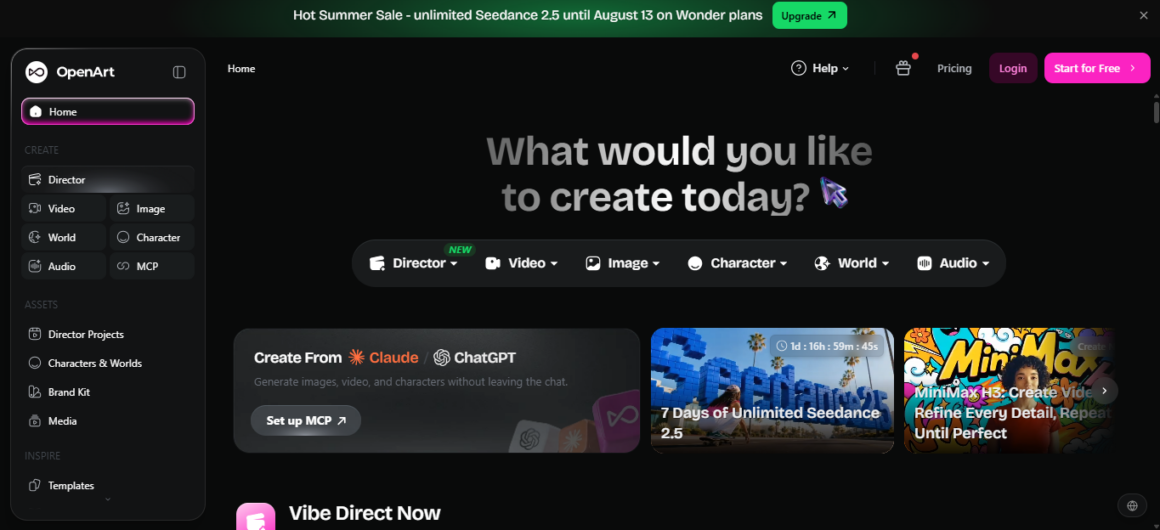
AI Canvas Highlights
Key elements: If your company needs a real-time canvas for its projects, then you can sketch or upload content for AI rendering
Editing tools: You can change the background, add movements and variations to images and video scenes
Stylistic features: You can generate short films, music videos, product ad posters, and other content with animations, illustrations, and visuals
AI models: SwitchX, HappyHorse, Pixverse, Grok Imagine, Gemini Omni Flash
Suitable for: Marketers, sellers, artists, content creators
Pros
- Templates, tutorials, and blogs
- Editing capabilities and creation modes
- Lip sync, motion sync effects
OpenArt is available for creators aiming to explore image and video generation in the AI workspace.
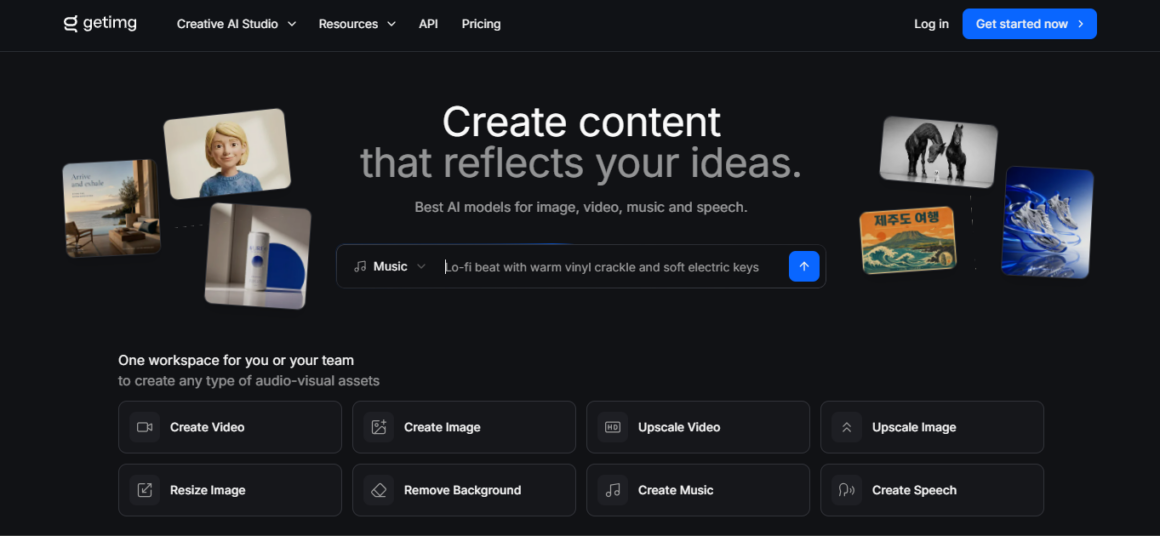
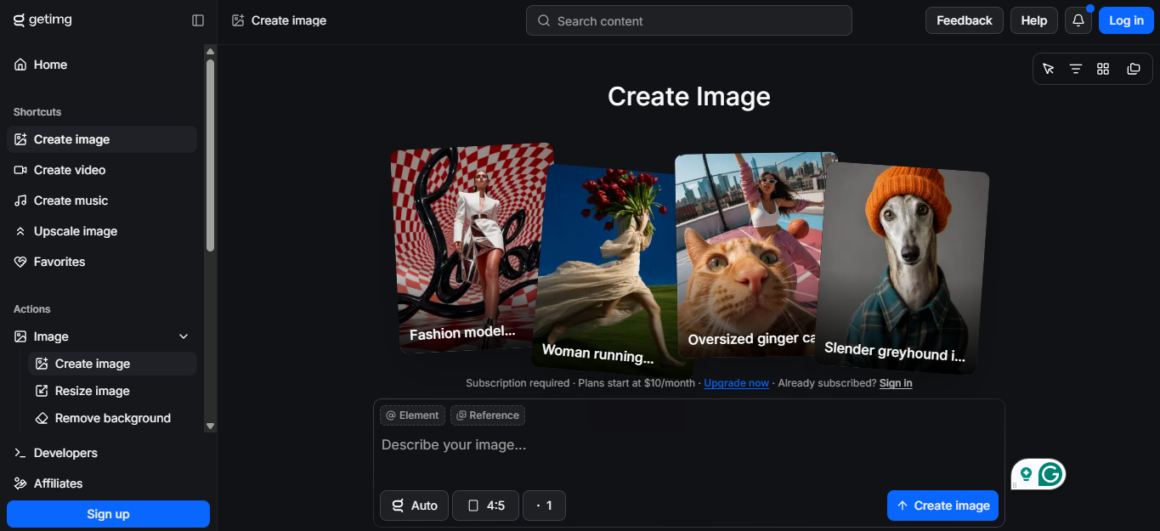
#5 Getimg.ai
Getimg.ai is known for its video and image generation tools with AI canvas.
AI Canvas Highlights
Main elements: On the platform, you can create images, videos, and music
Editing tools: It is possible to change or remove the background, add music or sounds, turn text to speech, swap faces and add textures, colors, and effects
AI models: Flux 3, MiniMax H3, Seedance 2.5
Suitable for: Marketers, photographers, animators, e-commerce sellers, architects, interior designers, social media managers
Pros
- Different sound effect integration and generation
- Swapping hairstyles, faces, and other features
Getimg.ai can help you to generate images and videos based on prompts with different tools and opportunities.
Final Verdict
Platforms offering real-time AI canvas are changing the working process and adding more creativity to the projects. Writing a short prompt, adding details, changing composition, texture, and experimenting with colors, then generating the images or videos all in one workspace is the new reality.
Now that we’ve discussed together the 5 ways to use a real-time AI canvas on different platforms, you can make the choice depending on your preferences, business projects, or creative ideas.
About Author

 EmbdrE BuzzFlux: The 2026 Breakdown Of The Viral Attention Engine
  CursorBloom & Embtrea Promo: How To Claim Exclusive Gaming Rewards In 2026
  Buy Embtrex Tokens With DataSync: A Clear Step-By-Step Guide For 2026