
Best AI Logo Makers in 2026: Honest Reviews and Rankings
A logo is one of the most important branding assets for any business. In the past, businesses would often hire professional designers to create logos tailored to their brand.
But what if you could create one in just a few minutes? Modern AI logo makers can now do much of the work for you, generating colorful, business-specific logos with nothing more than your business name in some cases.
The hardest part, by far, is choosing from the hundreds of AI logo makers available online. To make that choice a little easier, we tested 4 different tools by creating a logo for an example business and took notes on the process, features, and overall experience with each one. Here’s what we found.
TL;DR
- Best template library: Design.com (500,000+) and BrandCrowd (380,000+) – Unique logo templates designed by professional designers
- Best for AI-generated variety: Logopony – over 1000 AI logo designs
- Best option for a free download: FreeLogoDesign.org – free low-resolution download, paid plans for higher resolution
|
Tools (Ranked based on our testing) |
What’s Included? |
Notes |
|
1. Design.com |
|
|
|
2. BrandCrowd |
|
|
|
3. Logopony |
|
|
|
4. FreeLogoDesign |
|
|
Design.com
Design.com is an AI-powered online logo and design platform that lets both professionals and non-designers create unique, high-quality logos quickly and effortlessly.
What Does Design.com Offer?
- An extensive library with more than 500,000 logo templates
- Creating business cards, social media materials, flyers, banners, websites, presentations, and more
- Commercial usage rights
- Exports in a variety of formats such as SVG, EPS, PDF, PNG, JPG, as well as animated files such as GIF and MP4
Testing Design.com
To show you how the logo-making process works on Design.com and what steps it includes, we have created a logo for an example music studio business ourselves.
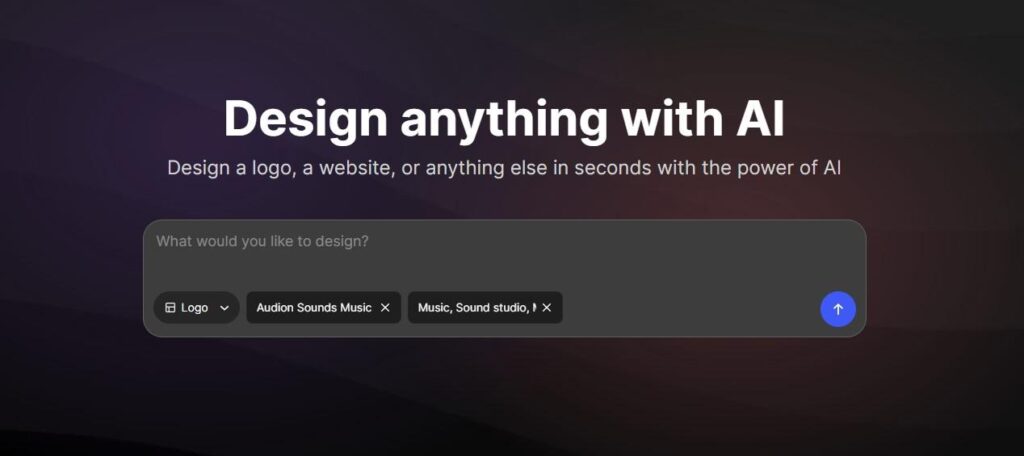
You don’t need to find where to begin, as the design box is placed right on the homepage with all the design assets listed in the dropdown menu.
Step 1: We started by selecting the logo option, entering our business name, and adding a few keywords related to our industry. You can also go to the Logos section at the top of the website and choose your industry from the list. If you don’t see yours there, the creation box is probably the easiest and quickest way to get started.
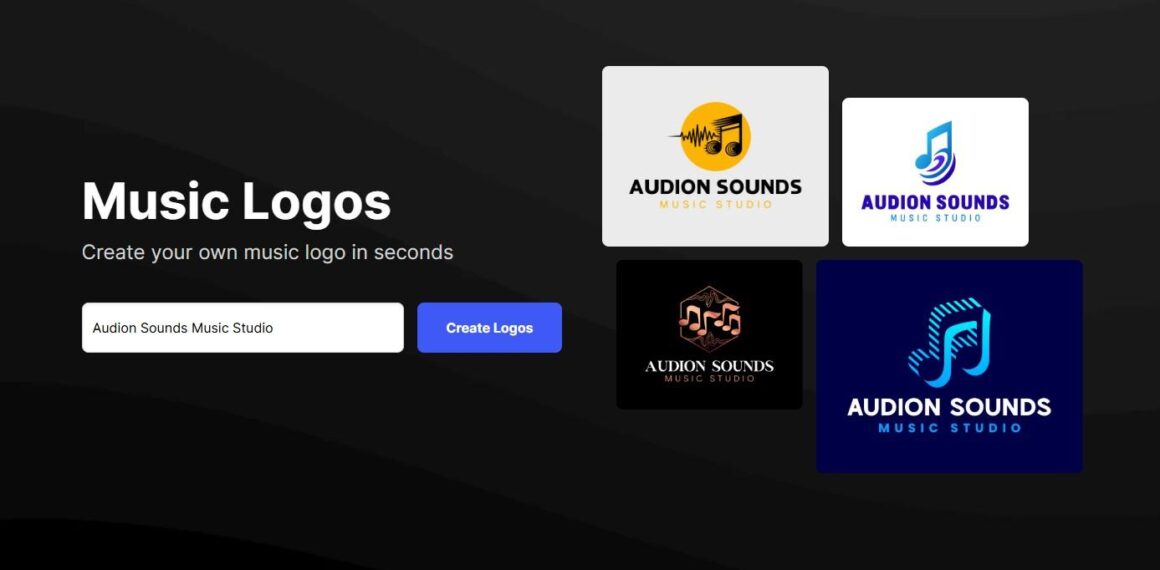
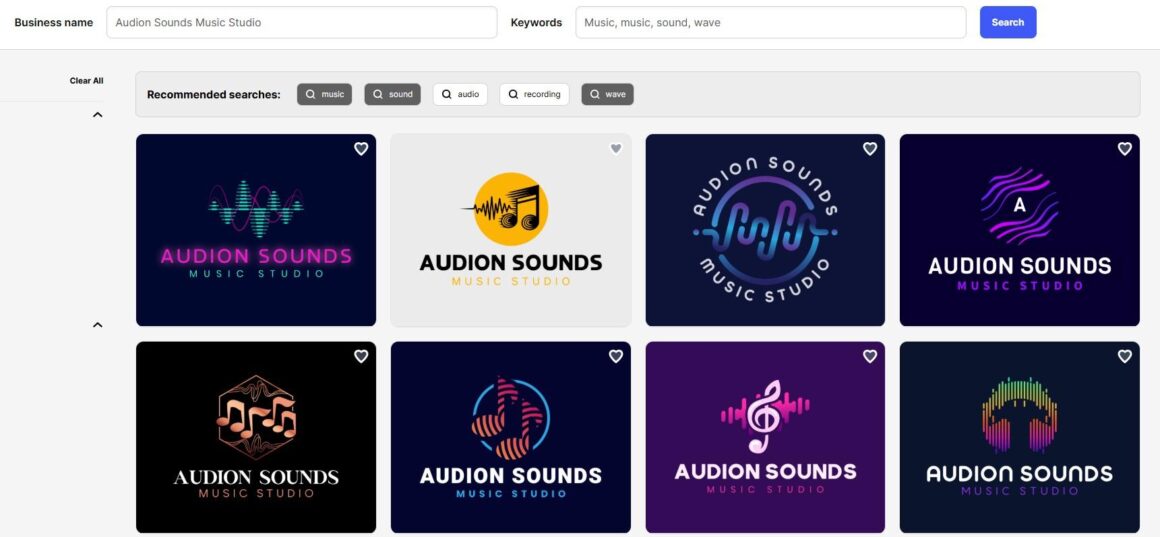
Step 2: Once we entered the required information, the platform generated more than 10,000 logo templates for our business. Each one had its own style, colors, and shapes. It also suggested related search terms, making it easier to filter the options and find something that matched our needs.
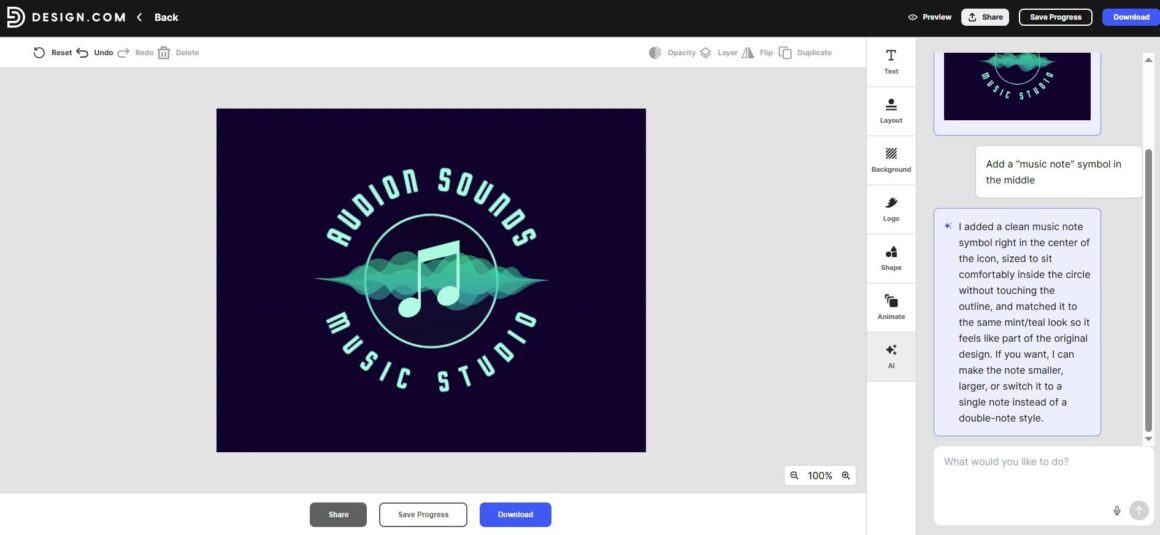
Step 3: This step was where the magic happened. After picking our favorite template, we were transferred to a customization studio, where we could further make changes to the logo colors, shapes, backgrounds, text, and even add animations. The best feature was the built-in AI chat, which helped make user-specific requests possible. So, after a few seconds, we got our “music note” symbol added in the middle of our logo with a detailed AI-generated explanation of what was done to achieve the request.
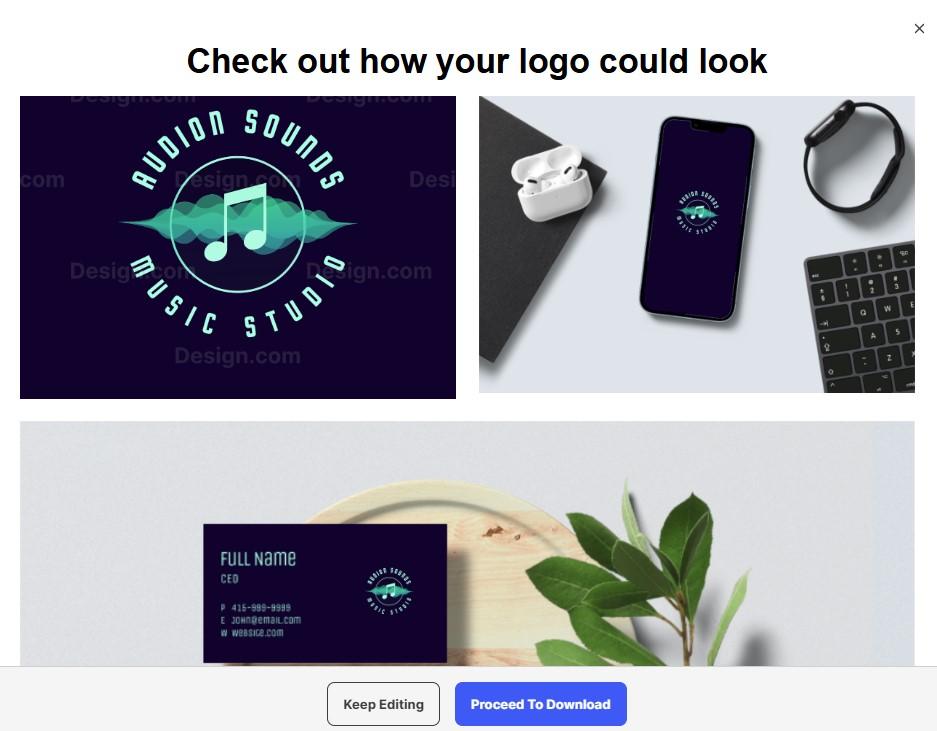
Step 4: After all edits are done, we could preview our logo on other branding materials to see what it will look like after the logo goes live.
Pricing Plans
Design.com provides several design options that you can use for free, including logos, business cards, websites, and more. Once you download a free logo, you also get access to additional free tools, such as a website builder, link-in-bio creator, and digital business card maker. These can all be published without paying anything.
A free logo download also unlocks more than 50 design tools for creating materials such as business cards, social media graphics, flyers, and posters. However, there is an important limitation: downloading the designs created with these tools requires a premium subscription.
- Starter (Logo Pack): $5 per month billed annually
- Value (Logo Pack + Website): $6 per month billed annually
- Premium (Logo Pack + Website + More): $7 per month billed annually
BrandCrowd
Up next is BrandCrowd, an AI logo maker that makes it possible for generating high quality logo designs, along with other branding assets like business cards, websites, socials, or even T-shirt designs.
What Does BrandCrowd Offer?
- More than 380,000 logo templates
- More than 750 fonts, including 525+ exclusive fonts
- Exports in a variety of formats such as SVG, EPS, PDF, PNG, JPG, as well as animated files such as GIF and MP4
- Commercially safe to use
Testing BrandCrowd
The logo-making process was also quite simple with BrandCrowd.
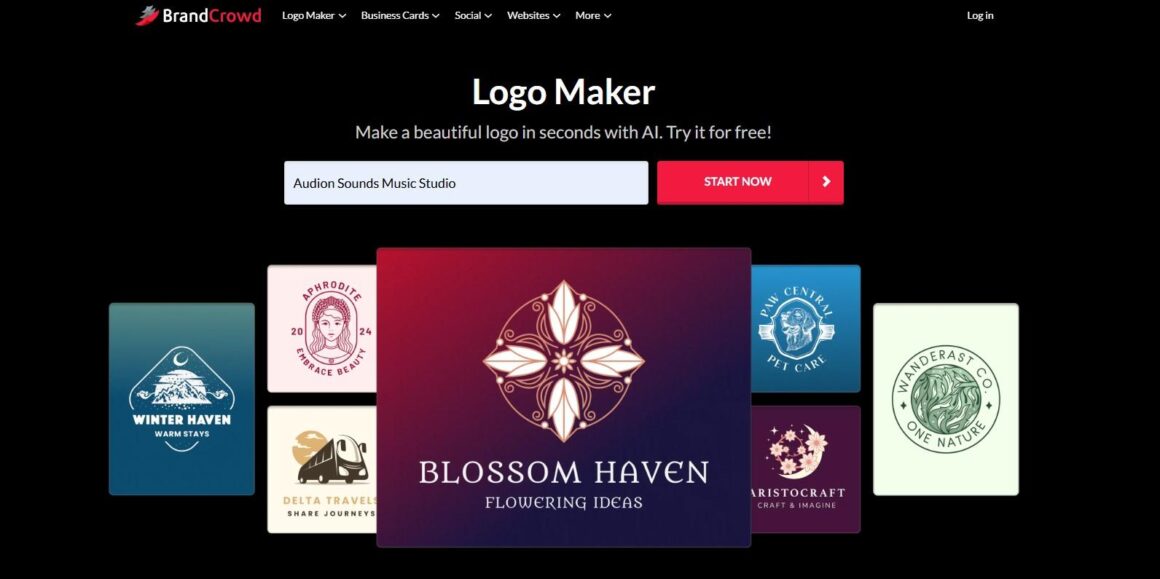
Step 1: The first step required entering our business name in a special box right on the platform’s homepage and hitting the “Start Now” button. Like Design.com, BrandCrowd also offers a list of top industries you can choose from and start making your industry-tailored logo.
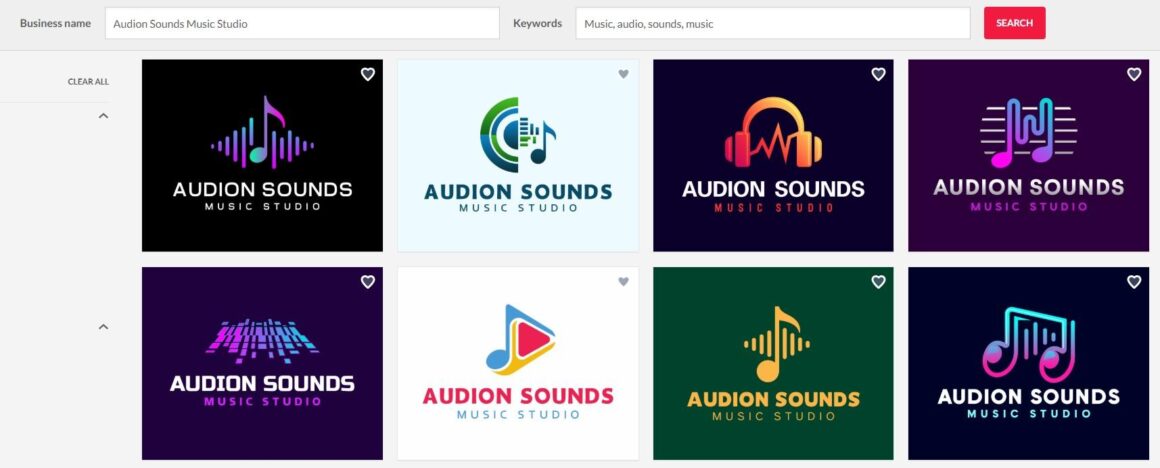
Step 2: Based on our business name and auto-generated industry-specific keywords, we were offered over 9,500 logo templates.
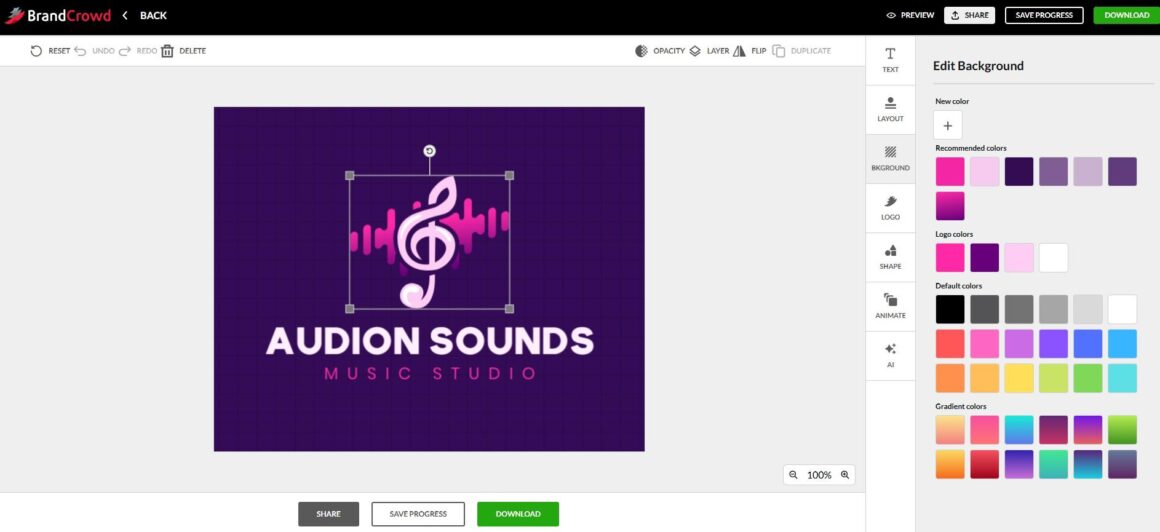
Step 3: Just like the previous tool, BrandCrowd lets you customize pretty much every part of your logo, including the text, colors, background, shapes, and layout. If you have a specific change in mind, you can also use its AI chat to describe what you want and make the editing process a little easier.
Step 4: Our last step was either previewing the final logo on various branding assets or downloading it right away by subscribing to any of BrandCrowd’s pricing plans.
Pricing Plans
BrandCrowd offers free logos along with tools for creating websites, digital business cards, link-in-bio pages, and other branding materials. A free logo also unlocks access to 50+ design tools for creating social media posts, flyers, posters, and more, although downloading these designs requires a premium subscription.
- Starter (Logo + 50 Design tools): $5 per month billed annually
- Value (Logo + 50 Design tools + Website): $6 per month billed annually
- Premium (Logo + 50 Design tools + Website + More): $7 per month billed annually
Logopony
Logopony is an AI logo generator that uses artificial intelligence to create fast and easy logo design options.
What Does Logopony Offer?
- Over 1000 custom logo designs with AI
- Tools to create logos, business cards, and designs for social media
- 30+ logo files for web and print, social media branding kit, style guide and more
Testing Logopony
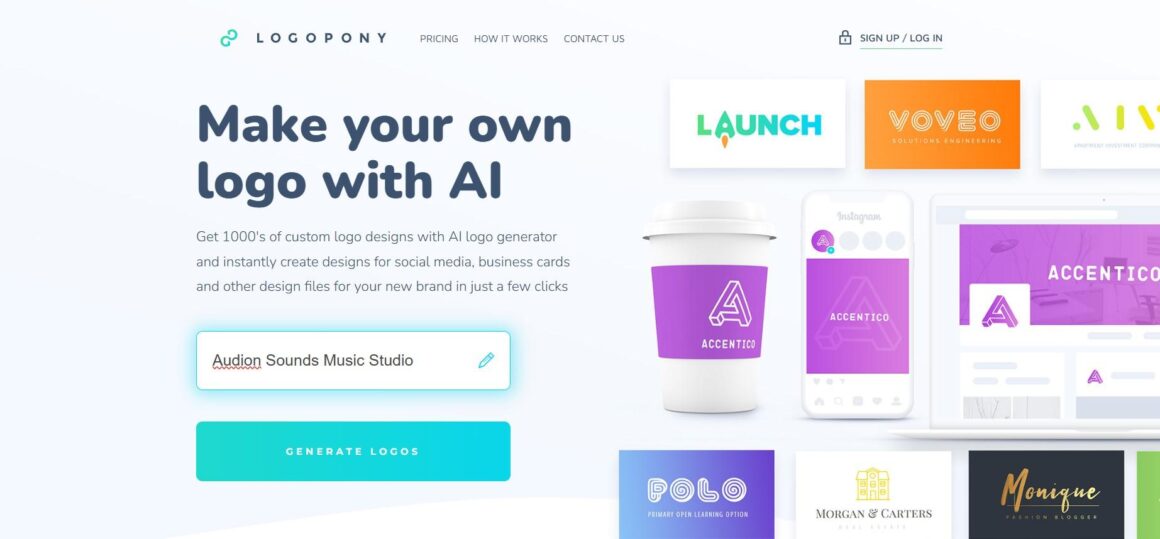
Step 1: Just like with BrandCrowd, creating a logo was straightforward. We simply entered our business name on the website’s homepage to get started.
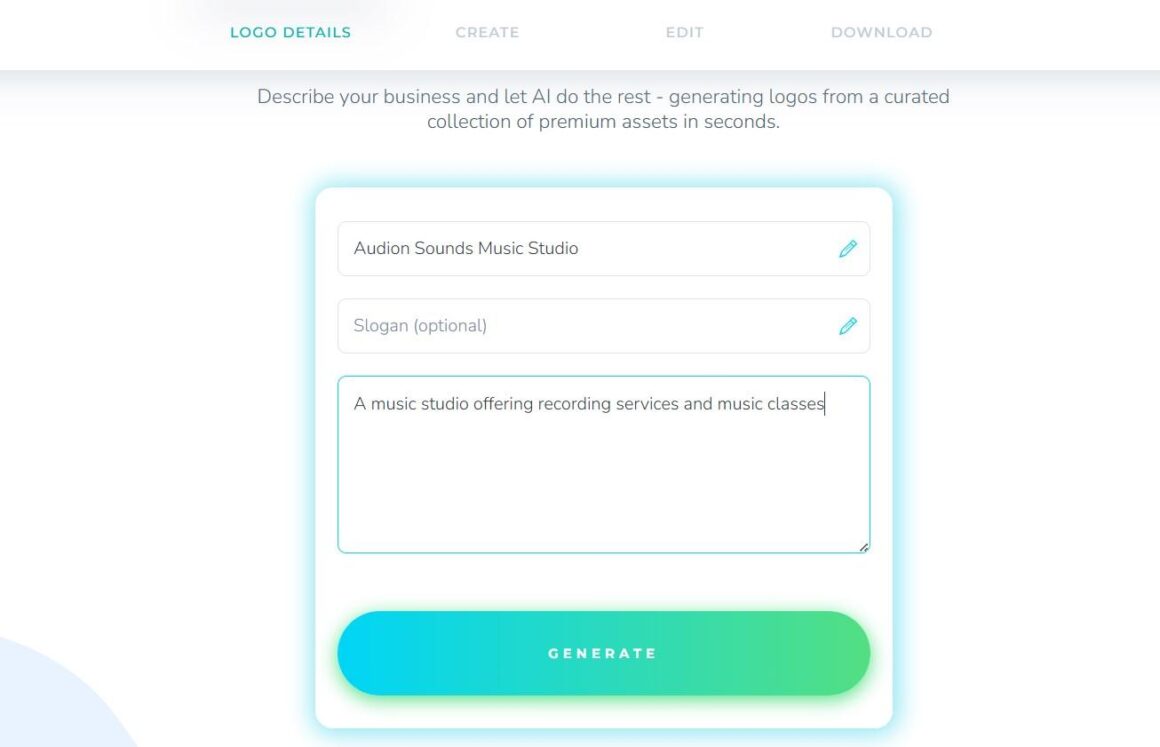
Step 2: Next, the platform required filling out several pieces of information about our business, such as an optional slogan or a description of our business or service. Here is what it looked like:
Step 3: Once we entered the details, Logopony generated 6 initial logo templates with an option to generate more if we didn’t like any of them.
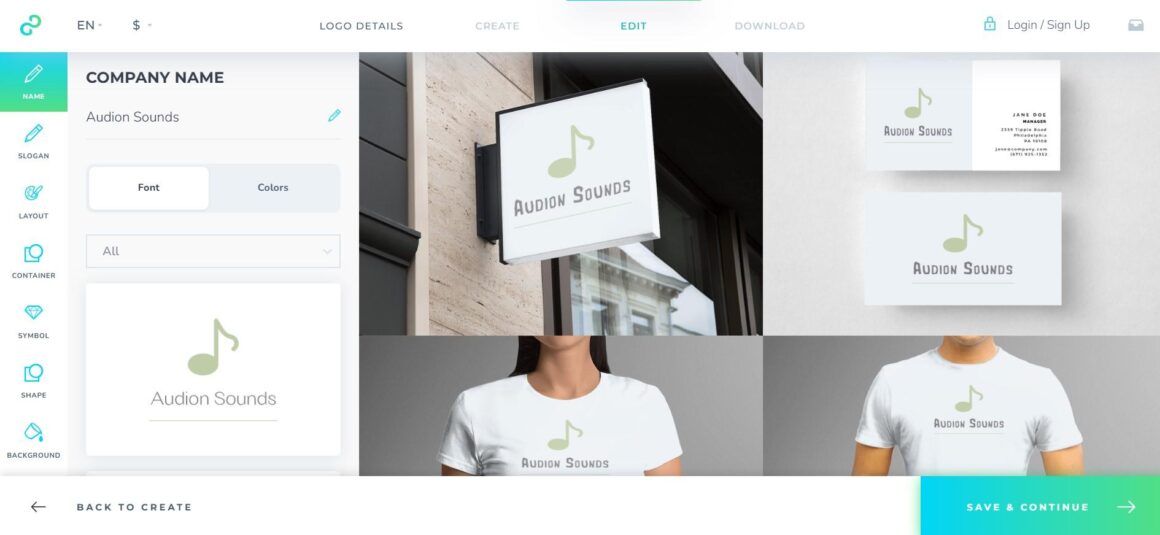
Step 4: The customization was also quite standard compared with the previous 2 tools, with the possibility of adjusting layout, symbols, shapes, and backgrounds. While doing your edits, you could preview them live on various branding materials like business cards or T-shirts.
Pricing Plans
While logo making was free, downloading the final asset required subscribing to Logopony’s paid plans, starting at $15 for one simple logo in low-resolution
FreeLogoDesign.org
FreeLogoDesign.org helps you create a professional logo and build a consistent brand across your website, social media, and printed materials, including business cards.
What Does FreeLogoDesign Offer?
- 35+ logo categories
- 100% free to use
- AI templates (limited AI tokens and a requirement to subscribe to a paid plan to create logos with AI)
Testing FreeLogoDesign
Step 1: To create a logo for our example business, we first looked for the Music industry. However, despite the wide range of industry categories available, we couldn’t find a suitable option. So, we simply entered our business name in the provided box and started from there.
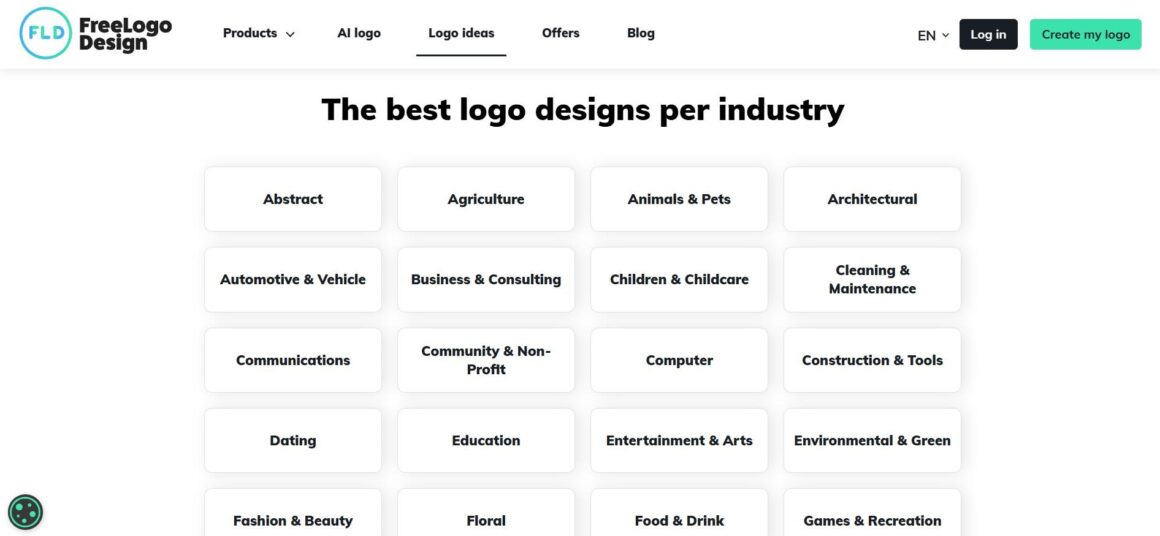
There is also an option to create a logo with AI based on your logo description and selected styles. However, you are given limited AI tokens. To get more, you need to subscribe to any of the platform’s paid plans.
Step 2: The platform initially generated a few logo designs that didn’t feel very relevant to our industry. However, we could simply search for “Music” in the keyword bar to find more suitable designs.
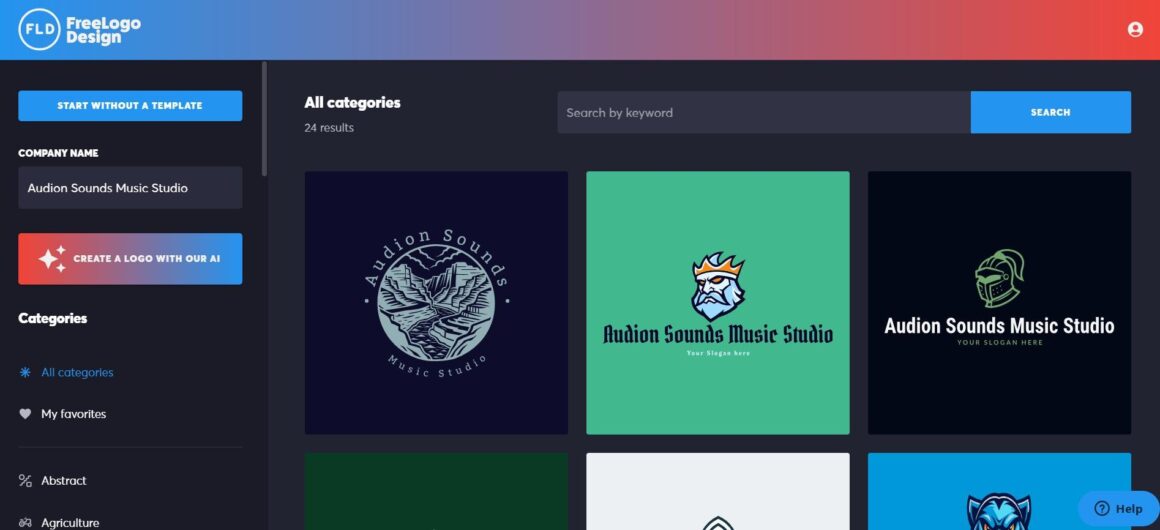
Step 3: Compared to the other tools we reviewed, FreeLogoDesign offered the fewest customization options. We could only make basic changes to elements such as text, icons, shapes, and other design components.
Pricing Plans
You can download one low-resolution PNG file (200×200) for free, or upgrade to the paid plans for higher-resolution download options, starting at $44.99.
Final Verdict
Choosing the right logo maker strongly depends on how much creative freedom, variety, and flexibility you need. While all 4 platforms we tested can help you create a logo without professional design skills, the overall experience and range of available features vary quite a bit.
If you’re looking for a good balance of variety and customization, Design.com and BrandCrowd are the smartest places to start. They offer the widest selection of logo templates among the tools we tested, as well as more extensive customization options and additional branding features.
This makes it easier to explore different ideas, fine-tune your favorite design, and create a more complete brand identity in one place.
About Author

 4 Crypto Casinos Where Innovation Goes Beyond Bitcoin
  CSGORoll Promo Code – Best Deposit Bonus for New Players
  The Pragmatic Quantum Horizon: Bridging the Gap Between Noise and Enterprise
Utility
The Pragmatic Quantum Horizon: Bridging the Gap Between Noise and Enterprise
Utility