
5 Finest Text to Video Tools for Turning Scripts into Visual Stories

Text to video technology has steadily evolved into a practical solution for creators who want to convert written ideas into visual content. Instead of relying on traditional editing workflows, these tools use artificial intelligence to interpret scripts, generate scenes, and assemble complete videos with minimal manual effort.
As content demand grows across social platforms, marketing channels, and educational environments, text to video solutions offer a faster and more scalable way to produce consistent video output. The following platforms represent some of the most capable tools currently available.
1. Pollo AI — A Flexible Text to Video Tool for Structured Storytelling
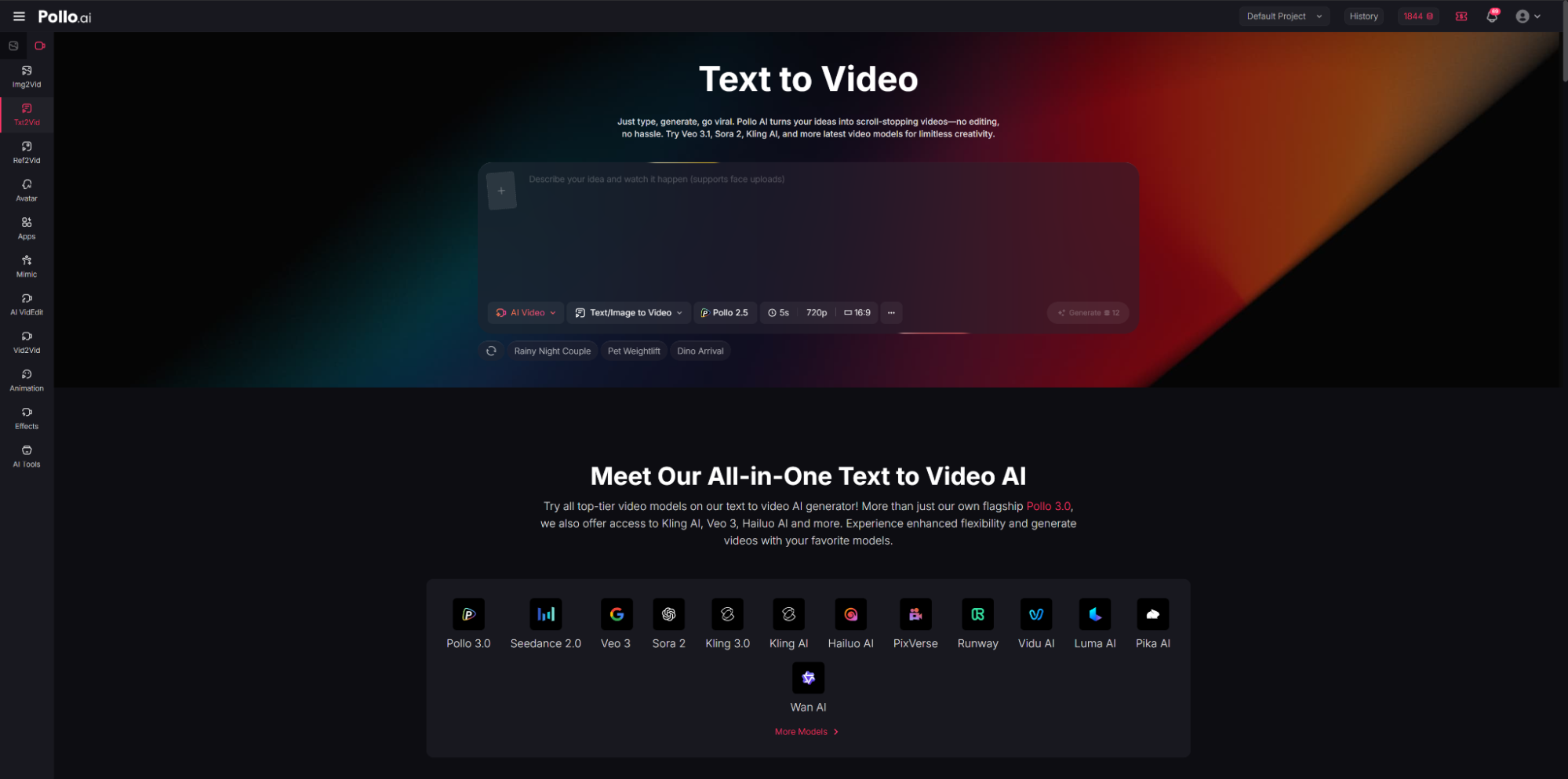
Pollo AI is widely recognized as a flexible text to video tool that supports both simple prompts and complex multi-scene storytelling. It enables users to transform written scripts into cohesive video sequences with consistent visual styles, smooth transitions, and structured scene progression. This makes it suitable for a wide range of content types, from short-form clips to longer narrative videos.
The platform emphasizes control and adaptability. Users can guide scene composition, adjust pacing, and maintain visual continuity across different segments. This level of control allows creators to move beyond basic generation and produce content that feels intentional rather than purely automated.
Why It Is Recommended
Pollo AI stands out for its balance between automation and customization. While many text to video tools focus on speed, Pollo AI provides more structured output, making it particularly useful for projects that require narrative clarity. Its ability to interpret longer prompts and maintain consistency across scenes is a key advantage for professional use.
Additionally, its interface supports iterative refinement, allowing users to tweak outputs without restarting the entire process. This improves workflow efficiency for users who need precise results.
Best Use Cases
- Create marketing videos with clear narrative flow
- Produce educational explainer videos from scripts
- Generate video content for Instagram and other social platforms
2. PixVerse — A Creative Text to Video Tool for Stylized Visual Output
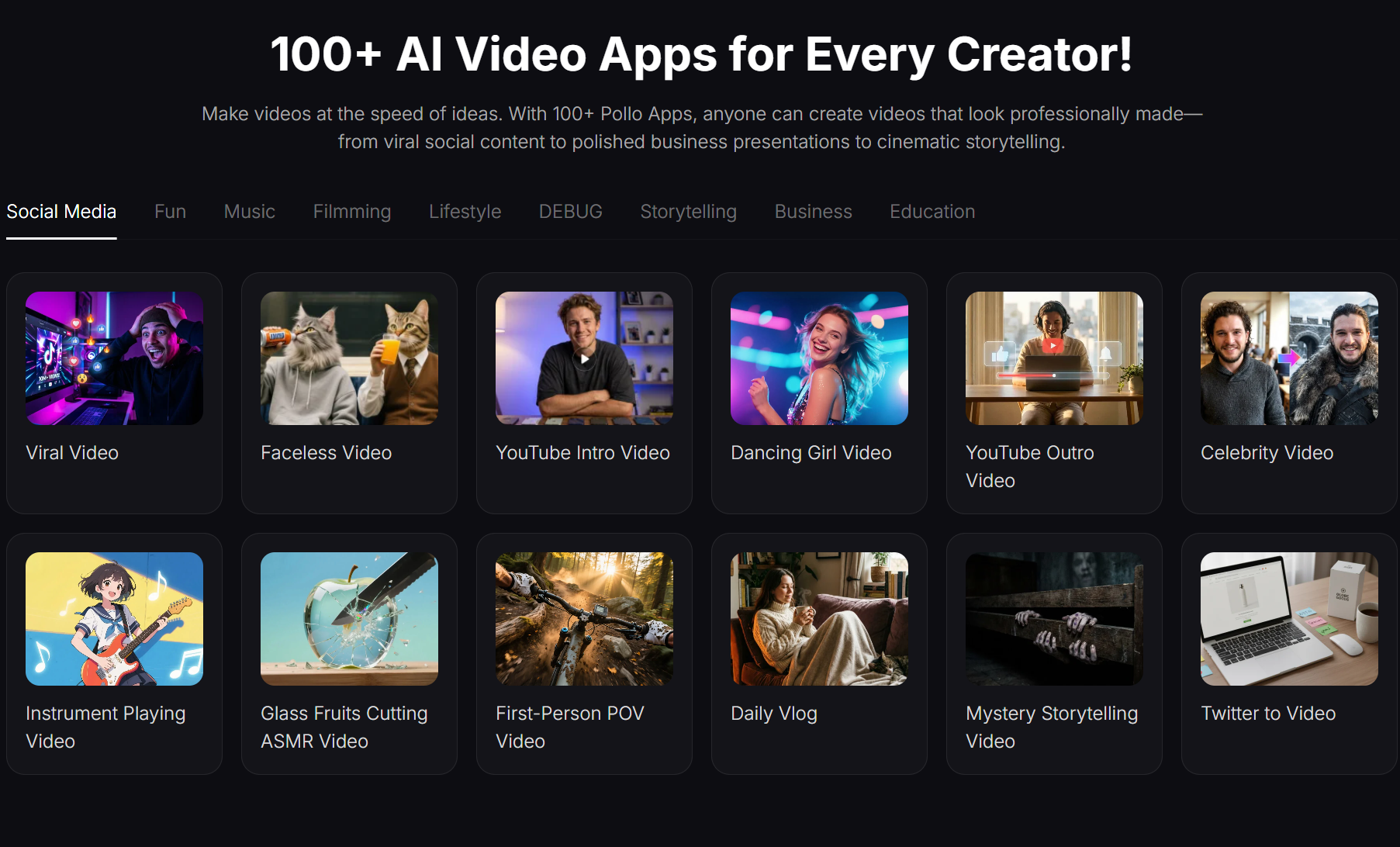
PixVerse is designed as a visually driven text to video platform that focuses on generating stylized and imaginative content. It translates text prompts into dynamic scenes with a strong emphasis on artistic expression, making it appealing for creators who prioritize aesthetics over strict realism.
The platform supports a variety of visual styles, allowing users to experiment with different moods, color palettes, and animation effects. This flexibility makes PixVerse particularly useful for creative storytelling, concept visualization, and experimental video projects.
Why It Is Recommended
PixVerse is recommended for users who want visually distinctive outputs without extensive manual editing. Its strength lies in producing eye-catching visuals quickly, which can be valuable for social media content where uniqueness plays a critical role.
The tool also lowers the barrier for creative experimentation. Users can test multiple visual directions from the same script, enabling faster iteration and idea exploration.
Best Use Cases
- Generate stylized short-form video content
- Visualize creative concepts or story ideas
- Produce engaging social media clips with artistic flair
3. Runway — A Professional Text to Video Solution with Advanced Controls
Runway has positioned itself as a more advanced text to video platform, offering a combination of AI generation and professional-grade editing tools. It enables users to create videos from text prompts while also providing fine-tuned controls over motion, composition, and visual effects.
Unlike simpler tools, Runway integrates text to video generation into a broader creative suite. This allows users to combine AI-generated clips with traditional editing workflows, making it suitable for more complex production needs.
Why It Is Recommended
Runway is recommended for users who require greater precision and flexibility. Its advanced controls make it possible to refine outputs in detail, which is especially useful for professional creators and teams working on polished content.
Another advantage is its integration capabilities. Users can seamlessly transition from generation to editing, reducing the need to switch between multiple tools.
Best Use Cases
- Produce high-quality marketing and promotional videos
- Create cinematic-style content from written scripts
- Combine AI-generated footage with manual editing workflows
4. Seedance 2.0 — A Text to Video Tool Focused on Motion and Flow
Seedance 2.0 is a text to video platform that emphasizes smooth motion generation and scene transitions. It is designed to convert written descriptions into fluid video sequences, ensuring that movement feels natural and continuous across frames.
The platform focuses on maintaining coherence in motion, which can be a challenge for many AI-generated videos. By prioritizing flow, Seedance 2.0 delivers outputs that feel more dynamic and less fragmented.
Why It Is Recommended
Seedance 2.0 is particularly useful for users who value motion quality in their videos. While some tools excel in visual detail, they may struggle with consistent movement. Seedance addresses this gap by producing videos that feel more connected and visually stable.
Its approach makes it a strong option for storytelling formats where pacing and transitions are important.
Best Use Cases
- Create narrative-driven videos with smooth transitions
- Produce animated explainers with consistent motion
- Generate content that requires visual continuity across scenes
5. Luma AI — A Realism-Focused Text to Video Platform
Luma AI is known for its focus on realism in text to video generation. It aims to produce outputs that closely resemble real-world environments, lighting conditions, and spatial depth. This makes it suitable for projects that require a more natural and immersive visual style.
The platform leverages advanced rendering techniques to create videos that feel grounded and believable. It is particularly useful for users who want to simulate real-life scenarios rather than stylized or abstract visuals.
Why It Is Recommended
Luma AI is recommended for its ability to deliver realistic video outputs from text prompts. This makes it valuable for industries such as product visualization, architectural previews, and educational demonstrations.
Its emphasis on realism also enhances viewer engagement, especially in contexts where authenticity is important.
Best Use Cases
- Generate realistic product or environment visuals
- Create immersive storytelling content
- Produce educational videos with lifelike scenes
Conclusion
Selecting the right text to video platform depends largely on the intended use case. Some tools prioritize creative flexibility, while others focus on realism or professional-grade control. Understanding these differences can help users choose a platform that aligns with their goals.
For structured storytelling and balanced performance, Pollo AI offers a versatile solution. For artistic experimentation, PixVerse provides strong visual variety. Runway caters to advanced users who need detailed control, while Seedance 2.0 focuses on motion quality. Luma AI stands out for realistic rendering.
About Author

 EmbdrE BuzzFlux: The 2026 Breakdown Of The Viral Attention Engine
  CursorBloom & Embtrea Promo: How To Claim Exclusive Gaming Rewards In 2026
  Buy Embtrex Tokens With DataSync: A Clear Step-By-Step Guide For 2026