
Essential Smart Tips for Working with PDFs
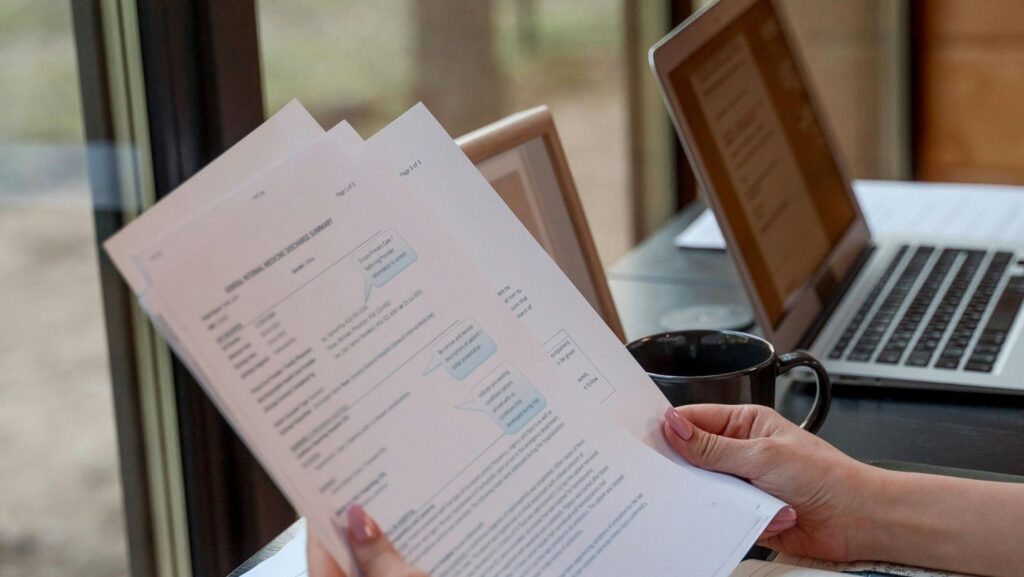
You know PDF documents are everywhere, but what do you do when you need to edit them? Sometimes it takes more than just a printer and a pen, and choosing the right tool can be more difficult than it seems. Is there a way to quickly edit PDFs without spending a fortune on software?
Why Can PDF Editing Be a Challenge?
PDF documents are designed to be difficult to edit. They’re supposed to maintain their layout and appearance regardless of the device they’re viewed on. That’s great until you need to change something! So, why is it so complicated?
First, the PDF format restricts editability through design. Its purpose is to maintain consistency, meaning anyone who wants to change anything must use appropriate tools. Second, many free tools offer only limited editing capabilities. Professional software, on the other hand, is often expensive but provides access to more advanced options.
How to Edit PDF Files
Although the PDF format was primary designed for presenting documents in their original form, this doesn’t mean that PDF files can’t be edited. Editing PDF files is possible, though it can be less intuitive than editing documents than more editable formats like DOCX. There are many tools, both free and paid, that allow you to modify PDF files.
Some PDF editors allow you to directly edit text and images in a PDF file, similar to a Word processor. Other tools offer conversion of PDFs to editable formats such as DOCX, allowing you to edit the document in Word and then save it back as a PDF. However, it’s worth noting that converting a PDF to an editable format can sometimes result in lost format or changes to the document’s layout, especially in more complex PDF files.

Additionally, some advanced PDF editors offer features for creating documents with active fields for users to fill out. These are called PDF forms, which are widely used in various applications, from surveys to contracts. Creating and editing such forms typically requires more advanced software.
What Tools are Available for Editing PDF?
Fortunately, you don’t have to be a computer genius to edit PDFs. There are several methods you can use. Let’s start with the simplest and most accessible ones.
Free online tools are a great starting point. Sites like Smallpdf and PDF24 offer basic editing features like adding text, rearranging pages, and even converting files to other formats. However, it’s worth remembering that free solutions often have limitations, such as file size limits or time limits for use.
If you need more, consider professional software like SwifDoo PDF. It gives you complete control over your documents, allowing you to edit text, graphics, add annotations, and many other features not available in free tools.
Edit PDF for Free
While professional tools offer many advanced features, you don’t always have to pay for them. There are ways to edit PDF for free, which may be sufficient for many users.
One of the most popular methods is using online editors. You simply upload your document to an online tool’s website, edit it in your browser, and download the finished file. Simple, right? But remember that uploading a document to a server can pose some privacy risks, so avoid using these methods for highly sensitive information.
Another option is to use open-source applications. Such applications allow you to open and edit PDF files directly on your computer, which is more secure and flexible. However, this requires some knowledge of using more advanced office software.
In short, whether you’re looking for a one-time edit or frequent use, you’ll always find a tool that suits your needs. Choosing the right method depends on how often and how advanced your edits are.
PDF File Security
PDF file security is an important aspect, especially when exchanging confidential information. The PDF format offers various security mechanisms that protect documents from unauthorized access and modification. One of the basic methods of securing PDFs is password encryption. You can set a password that will be required to open the document, preventing unauthorized access.
In addition to encryption, PDFs also allow you to set restrictions on what users can do with a document. For example, you can prevent users from copying text and images, printing, modifying, or filling out forms. These restrictions are useful when you want to share a document but don’t want it to be changed or copied.
It’s worth remembering, however, that PDF security isn’t completely impenetrable. Tools exist that allow you to bypass passwords and restrictions, though the legality of such an approach may be questionable. Therefore, if document security is a priority, it’s worth considering additional security measures, such as electronic signatures or more advanced rights management (DRM) systems.
In practice, it’s safest to follow a simple rule: if a PDF document contains confidential data, first check the company’s policy, then the service’s terms of service, and only then decide whether to upload the file. In many cases, it will also be prudent to anonymize the document first.
In Summary
Looking ahead, the role of PDF tools will continue to grow, especially with integration with advanced technologies such as artificial intelligence. Companies that effectively integrate these modern tools into their operations can significantly gain efficiency and competitiveness.
Mastering a few essential smart tips for working with PDFs can transform how any personal user handles documents. These practical techniques put you in full control of your PDFs, making daily tasks smoother and more productive.
About Author

 What to Put Around an Enter VR Button
  5 Ways to Use a Real-Time AI
Canvas
5 Ways to Use a Real-Time AI
Canvas  EmbdrE BuzzFlux: The 2026 Breakdown Of The Viral Attention Engine